Automation should be a priority for your store in 2026. It offers several benefits, and you should not continue to put it off.
According to Shopify, research recommends that rather than focusing on incremental change, focus on improvements that can fundamentally change how your organization operates.
Words being said, what should we do to keep improving our business? How to enable automation in our store? Dig in and you’ll find out.
What Is Dropshipping Automation?

Dropshipping automation is the use of software, integrations, and fulfillment workflows to handle repetitive store tasks like product importing, inventory syncing, order routing, tracking updates, customer notifications, and basic support. The goal is to reduce manual work so you can spend more time on product strategy, marketing, and supplier management.
| Question | Quick Answer |
| What does it automate? | Product imports, inventory updates, pricing rules, order fulfillment, tracking, customer emails, and basic support tasks. |
| Can dropshipping be fully automated? | Some workflows can be fully automated, but supplier vetting, branding, quality control, and strategy still need human oversight. |
| Who is it best for? | Store owners who spend too much time placing orders, updating stock, checking tracking, or managing multiple suppliers. |
| What are the main options? | DIY dropshipping automation software, a done-for-you dropshipping agent, or a hybrid setup. |
| What is the biggest risk? | Automating a weak supplier or poor product can scale problems faster instead of fixing them. |
How Dropshipping Automation Works

Dropshipping automation works by connecting your store, suppliers, fulfillment workflow, and customer communication tools so information moves without constant manual input. A strong setup usually follows five steps.
1. Product data is imported into your store
The workflow starts when product information is pulled from a supplier, marketplace, or sourcing agent into your ecommerce store.
This can include:
- Product title
- Images
- Variants
- SKU
- Description
- Cost
- Shipping option
- Inventory status
This step saves time, but it still needs review. We usually don’t suggest importing product pages as-is because supplier descriptions are often written for marketplaces, not for conversion. You should still rewrite titles, improve images where possible, and check whether the product fits your niche.
2. Inventory and pricing are synced automatically
Once products are live, automation tools can sync stock levels and pricing changes between your supplier and your store.
This is important because stockouts are one of the fastest ways to create refund requests, delayed orders, and customer complaints.
A basic setup may only update stock once or twice per day. A stronger setup uses more frequent syncing, backup suppliers, or inventory stored in a warehouse. For growing stores, this is where working with a dropshipping agent can reduce risk because they can monitor stock before orders fail.
3. Customer orders are routed to the supplier or fulfillment partner
When a customer places an order, automation can send the order details to the supplier, warehouse, or fulfillment partner.
This usually includes:
- Customer name and address
- Product SKU
- Variant details
- Quantity
- Shipping method
- Order note or branding requirement
For simple AliExpress-style dropshipping, this may mean auto-ordering from a marketplace supplier. For a more controlled setup, the order goes to a fulfillment center or dropshipping agent like nichdropshipping that already has your product inventory ready.
The more order volume you handle, the more this matters. Manually placing 5 orders a day is manageable. Manually placing 50+ orders a day creates delays, errors, and missed tracking updates.
4. Fulfillment, tracking, and customer updates are triggered
After the order is processed, the tracking number should flow back into your store and notify the customer automatically.
This reduces support tickets like:
- “Where is my order?”
- “Has my order shipped?”
- “Why is the tracking number not updating?”
- “Can I change my address?”
However, tracking automation is only useful if the fulfillment process is reliable. If the supplier takes 5 days to ship, automation will not fix the delay. It will only make the delay more visible. This is why fulfillment speed, warehouse location, and carrier choice still need human review.
5. Performance data is reviewed and improved
The final step is monitoring what the automation is telling you.
You should regularly check:
- Order processing time
- Stockout frequency
- Refund rate
- Return rate
- Customer complaint patterns
- Product margin after shipping
- Delivery time by country
- Supplier response time
This is where many sellers make the mistake of “setting and forgetting” automation. Dropshipping automation should help you spot problems earlier, not ignore them.
For example, if a product gets more complaints after a supplier changes material, packaging, or shipping method, your automation stack may still process orders correctly, but your customer experience will decline. The right workflow combines automated execution with regular human checks.
The 3 Ways to Automate Dropshipping
There are three practical ways to automate dropshipping: use DIY software, work with a done-for-you dropshipping agent, or combine both in a hybrid workflow. The right choice depends on your order volume, supplier complexity, branding needs, and how much backend work you still want to manage yourself.
| Automation Method | Best For | Main Strength | Main Limitation |
| DIY automation software | Beginners and low-volume stores | Quick setup for importing products, syncing orders, and updating tracking | You still manage supplier reliability, QC, and fulfillment issues |
| Done-for-you dropshipping agent | Growing stores with consistent orders | Human support for sourcing, quality inspection, warehousing, and fulfillment | Usually works better once you have proven products or steady demand |
| Hybrid approach | Stores scaling from apps to a stronger backend | Keeps useful software while outsourcing sourcing and fulfillment | Needs a clear workflow so tools and agents do not overlap |
DIY Automation Software
DIY dropshipping automation software is usually the easiest starting point. Tools like DSers, AutoDS, Spocket, CJdropshipping, and similar platforms can help you import products, sync inventory, automate order placement, update tracking numbers, and manage pricing rules.
This works well when your store is still testing products or handling a small number of orders. You can move faster without manually copying customer details or checking supplier stock every day.
The trade-off is control. Software can push orders through the system, but it cannot always judge whether a supplier is reliable, whether packaging is acceptable, or whether a product has changed in quality. If the supplier delays fulfillment or ships inconsistent items, the software will not solve the root problem.
DIY software is usually a fit when:
- You are testing multiple products.
- You are using Shopify, AliExpress, eBay, or similar platforms.
- Your products are simple and do not need customization.
- You are comfortable reviewing suppliers yourself.
- Your order volume is still manageable.
Done-for-You Dropshipping Agent
A done-for-you dropshipping agent automates the backend with a mix of human support, supplier relationships, and fulfillment systems. Instead of relying only on an app, you work with a team that helps with product sourcing, supplier communication, quality inspection, warehousing, order fulfillment, and shipping coordination.
This is where a dropshipping agent becomes useful. In practice, many sellers move to an agent when they have a winning product but are tired of stockouts, slow processing, inconsistent packaging, or supplier communication issues.
With NicheDropshipping, for example, the workflow can include free product sourcing, QC, inventory storage, Shopify integration, automated fulfillment, private label, white label, and branded packaging. That makes it more suitable for sellers who want to scale a store instead of managing every supplier task manually.
A done-for-you agent is usually a fit when:
- You already have steady orders or a proven product.
- You want better control over sourcing and fulfillment.
- You need custom packaging, inserts, or private label options.
- You want inventory stored closer to customers.
- You do not want to manage multiple suppliers yourself.
The main point is that an agent does not replace your business decisions. You still choose your niche, approve products, set margins, and manage your brand. The agent helps automate and stabilize the backend.
Hybrid Approach
The hybrid approach combines software automation with a dropshipping agent or fulfillment partner. This is often the most practical setup for growing stores.
For example, you might use Shopify apps for product pages, pricing rules, email flows, customer support, and analytics, while your agent handles sourcing, QC, inventory storage, packaging, and fulfillment. This keeps your frontend flexible while making the backend more reliable.
A hybrid setup is useful because different parts of dropshipping need different types of automation. Software is strong for repetitive digital tasks. Human-backed fulfillment is stronger for supplier negotiation, product checks, packaging decisions, and issue resolution.
A hybrid workflow may look like this:
- Use software to manage your Shopify store, product listings, and pricing rules.
- Work with an agent to source the product from China or factory-direct suppliers.
- Store bulk inventory once the product is proven.
- Automate order syncing from your store to the fulfillment partner.
- Review performance data weekly to catch stock, delivery, or complaint issues early.
This is usually the right path when your store has outgrown basic AliExpress automation but you still want to keep useful tools in your stack.
What Can You Automate in a Dropshipping Business?
You can automate most repetitive dropshipping tasks, especially the ones that involve moving data from one system to another. The key is knowing which tasks should run automatically and which still need human review.
In our view, dropshipping automation works best for execution. Product judgment, supplier decisions, branding, and customer experience still need oversight.
Product Sourcing & Research

You can automate parts of product sourcing and research, but you should not fully outsource product judgment to a tool.
Automation tools can help you:
- Find products by category, sales signals, or engagement
- Track competitor pricing
- Import product images, titles, variants, and SKUs
- Save products to a testing list
- Compare basic demand across marketplaces
The risk is that product research tools often show what is trending, not what is operationally safe. A product can look promising but still have weak margins, fragile packaging, high defect risk, or unstable supplier stock.
Before adding a product, we would still check:
- Is the product easy to ship?
- Does it have a clear buyer use case?
- Can the supplier fulfill consistently?
- Are there enough margins after shipping and ad costs?
- Can it be improved with private label, white label, or custom packaging later?
Automation can speed up discovery, but the final decision should still come from business logic.
Inventory & Price Syncing

Inventory and price syncing is one of the most important tasks to automate because manual updates are easy to miss.
A dropshipping automation tool can update your store when a supplier changes:
- Stock availability
- Product cost
- Variant availability
- Shipping fees
- Product status
- Delivery options
This helps reduce overselling, protects margins, and prevents customers from ordering products that are no longer available.
However, syncing is only as accurate as the supplier data behind it. If a supplier updates stock late, your store may still show the item as available. This is common with marketplace suppliers where many sellers are competing for the same inventory.
For proven products, we usually prefer stronger inventory control. That can mean backup suppliers, reserved stock, or bulk inventory storage through a fulfillment partner.
Order Fulfillment & Tracking
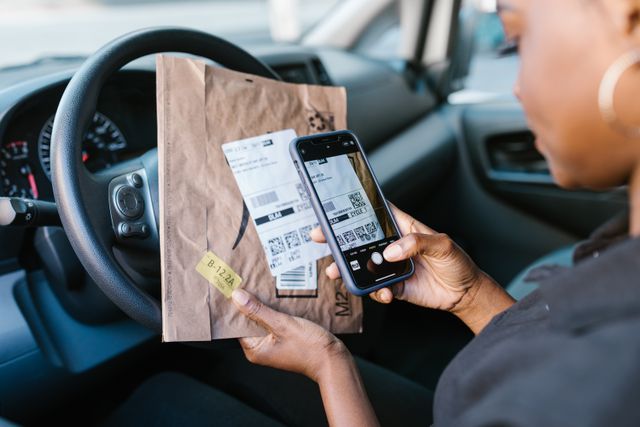
Order fulfillment is usually where automation creates the biggest time savings.
Instead of manually copying customer details into supplier order forms, automation can send orders directly from your store to your supplier, agent, or fulfillment center.
This can automate:
- Order routing
- Customer address transfer
- SKU and variant matching
- Fulfillment status updates
- Tracking number syncing
- Customer shipping notifications
This matters more as order volume grows. Processing 5 orders manually may be manageable. Processing 50 orders manually increases the chance of wrong addresses, delayed fulfillment, missed tracking numbers, and support tickets.
The important step is SKU mapping. If your product variants are not organized properly, automation can send the wrong size, color, bundle, or model faster than a manual workflow would.
Customer Service

Customer service automation can handle repetitive questions, but it should not replace human support for sensitive issues.
You can automate:
- Order confirmation emails
- Shipping updates
- FAQ replies
- Return request intake
- “Where is my order?” responses
- Review request emails
- Chatbot replies for basic questions
This works well for predictable questions. For refunds, damaged products, address mistakes, chargebacks, or angry customers, human support is still safer.
A common mistake is using customer service automation to hide operational problems. If customers keep asking why orders are delayed, the real fix is not just a better chatbot. You need to review processing time, shipping method, tracking reliability, and supplier performance.
Marketing & Reviews

Marketing automation helps you stay consistent after someone visits your store, adds a product to cart, or places an order.
You can automate:
- Abandoned cart emails
- Post-purchase email flows
- SMS updates
- Review requests
- Retargeting audiences
- Upsell and cross-sell offers
- Win-back campaigns
- Customer segmentation
This is useful because most ecommerce revenue comes from follow-up. Customers may need reminders, proof, and trust signals before they buy again.
For dropshipping stores, review automation is especially important because social proof affects conversion. But the product experience has to support the review request. If shipping is slow, packaging feels generic, or the product arrives damaged, automated review emails may collect negative feedback faster.
For branded stores, this is where private label dropshipping and branded packaging can support better retention. Automation brings customers back, but the product experience gives them a reason to return.
Top Dropshipping Automation Tools [2026]
The right dropshipping automation tool depends on your platform, supplier source, and fulfillment model. Some tools are better for AliExpress-style product testing, while others are stronger for supplier marketplaces, US/EU products, or branded fulfillment workflows.
This is a curated shortlist of representative tools, not a full review of every option. For deeper feature breakdowns, pricing notes, and use cases, see our full dropshipping automation software reviews.
| Tool | Best For | What It Helps Automate | Main Limitation |
| DSers | Shopify sellers using AliExpress, Alibaba, or 1688 | Product importing, supplier mapping, bulk ordering, stock updates, pricing rules, tracking sync | Strong for marketplace automation, but supplier quality and shipping consistency still need review |
| AutoDS | Sellers using multiple suppliers and marketplaces | Product research, importing, price and stock monitoring, automatic orders, tracking updates, AI listing support | Can become complex if you add too many suppliers without clear SKU control |
| CJdropshipping | Sellers who want sourcing plus fulfillment in one platform | Product listing, sourcing requests, store integration, order syncing, fulfillment, tracking | Product availability and shipping performance can vary by category and destination |
| Spocket | Stores focused on US/EU supplier access | Product importing, supplier discovery, inventory updates, order processing, branded invoices | Product range may be narrower than large China-based marketplaces |
| Zendrop | Shopify sellers who want faster fulfillment and branding options | Auto-fulfillment, product sourcing, analytics, custom branding, US fulfillment options | Advanced features usually make more sense once the store has steady demand |
| Dropified | Sellers sourcing from AliExpress or eBay | Product research, importing, order fulfillment, product management, private label-on-demand options | Better suited to sellers who already understand their product and supplier strategy |
| AliDropship | WordPress/WooCommerce users | AliExpress product importing, pricing rules, inventory updates, order processing, tracking emails | Less flexible for Shopify sellers and stores that need broader supplier access |
DSers lists features such as bulk ordering, supplier optimization, variant mapping, stock management, pricing rules, and tracking sync, which makes it a practical option for AliExpress-heavy workflows. AutoDS focuses more broadly on product finding, supplier monitoring, automatic orders, tracking updates, inventory management, and AI listing support.
CJdropshipping combines product sourcing, store integrations, product listing, automatic order pulling, and tracking tools, so it sits closer to a platform-plus-fulfillment model. (DSers)
Spocket and Zendrop are more useful when you want supplier access and fulfillment workflows with stronger branding or regional fulfillment options. Spocket’s Shopify listing highlights global supplier access and automated product importing, while Zendrop lists auto-fulfillment, product sourcing, custom branding, analytics, and US fulfillment as core features. (Shopify App Store)
The main thing to remember is that software can automate tasks, but it does not remove supplier risk. Before relying on any tool, test the product, check delivery times, review tracking reliability, and make sure your variants are mapped correctly. A bad product or unreliable supplier becomes a bigger problem when automation starts sending more orders through the same workflow.
Platform-Specific Automation
Dropshipping automation works differently depending on where you sell. Shopify gives you the most flexibility, AliExpress is useful for testing, while Amazon and eBay need stricter compliance checks before you automate fulfillment.
How to Automate Dropshipping on Shopify
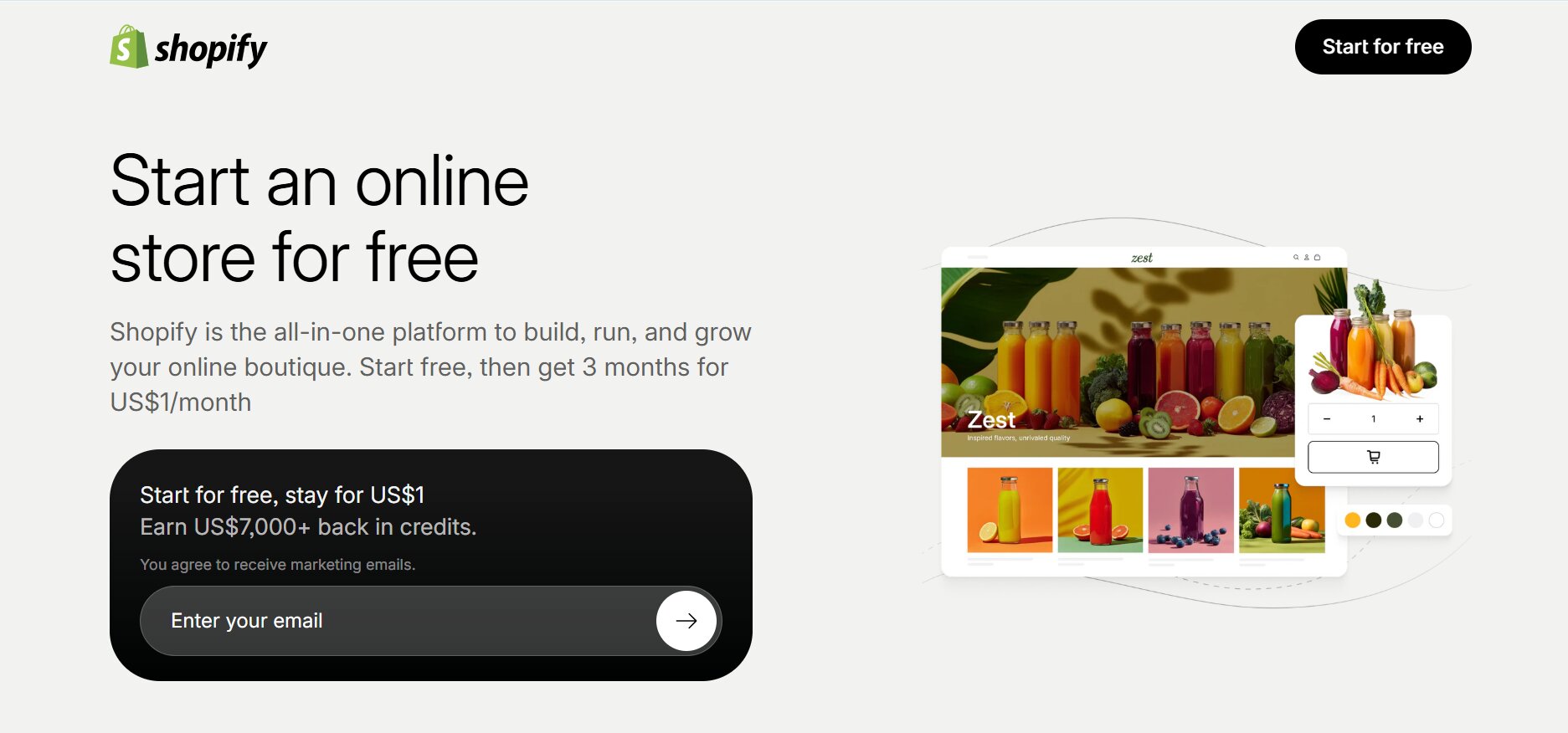
Shopify is usually the most flexible platform for dropshipping automation because it connects easily with sourcing apps, fulfillment partners, email tools, and support software.
A basic Shopify workflow looks like this:
- Connect a dropshipping automation tool or fulfillment partner.
- Import products and clean up titles, images, variants, and descriptions.
- Set pricing rules to protect margins.
- Sync supplier stock and cost changes.
- Route paid orders to your supplier, agent, or warehouse.
- Sync tracking numbers back to Shopify.
- Trigger customer emails, review requests, and post-purchase flows.
For beginners, this may start with tools like DSers, AutoDS, Zendrop, CJdropshipping, or Spocket. For growing stores, we usually prefer connecting Shopify to a dropshipping agent because it gives you more control over sourcing, QC, packaging, and fulfillment.
How to Automate AliExpress Dropshipping
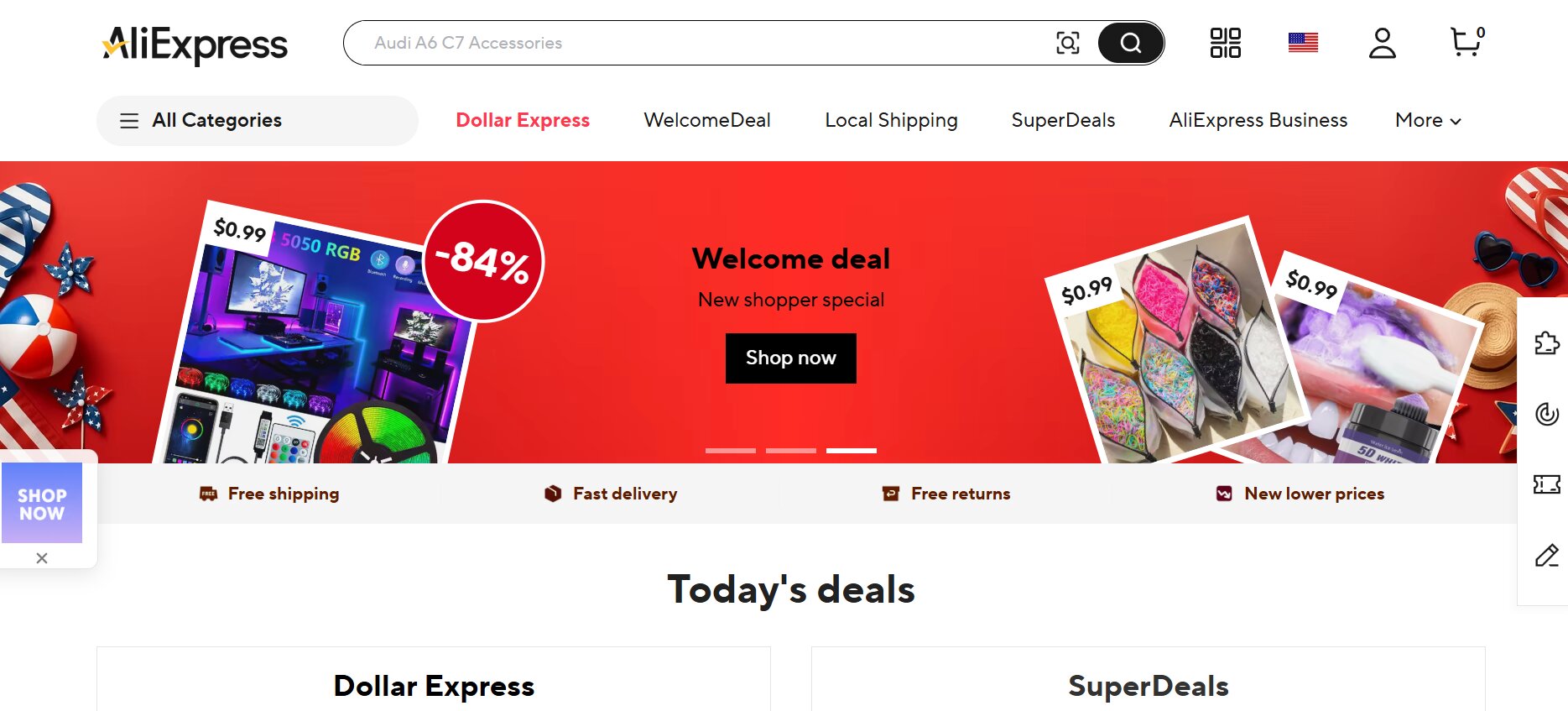
AliExpress automation is mainly used for product testing. It helps you import products, sync stock, place orders, and send tracking updates without doing everything manually.
A simple workflow is:
- Find a product on AliExpress.
- Import it with a dropshipping automation tool.
- Edit the product page before publishing.
- Set pricing and shipping rules.
- Let the tool place orders with the supplier.
- Sync tracking details back to your store.
The benefit is speed. You can test products without holding inventory.
The downside is supplier inconsistency. Processing times, packaging, stock accuracy, and shipping methods can vary across AliExpress sellers. Once a product gets steady orders, it is usually safer to move to a more stable supplier, store inventory, or work with an agent who can inspect products before shipment.
How to Automate Amazon Dropshipping
Amazon automation needs more caution because the seller must remain the seller of record. Amazon says dropshipping is only acceptable when customers clearly see you as the seller, and third-party supplier names or invoices should not appear on packing slips, invoices, or packaging. (Amazon Seller Central)
For Amazon, automation should focus on:
- Inventory monitoring
- SKU mapping
- Order routing to approved suppliers or fulfillment partners
- Tracking updates
- Return handling
- Customer messages
- Repricing within margin limits
We would avoid retail-arbitrage-style automation where products are bought from another retailer and shipped directly to Amazon customers. It creates packaging, invoice, branding, and seller-of-record risks.
How to Automate eBay Dropshipping
eBay automation can work, but the supplier source matters. eBay allows dropshipping from wholesale suppliers, but does not allow listing an item on eBay and then buying it from another retailer or marketplace to ship directly to the customer. Sellers are also responsible for safe delivery and buyer satisfaction. (eBay UK)
An eBay automation setup may include:
- Product listing tools
- Inventory and price syncing
- Order routing
- Tracking uploads
- Customer message templates
- Return handling
- Repricing rules
The biggest risk is overselling or using unstable suppliers. If stock data is delayed or shipping times are inaccurate, your account metrics can suffer.
For eBay, keep automation conservative. Use reliable wholesale or fulfillment partners, set realistic handling times, and monitor late shipment rates closely.
How NicheDropshipping Automates Your Backend

NicheDropshipping is different from a normal dropshipping automation tool. We are a dropshipping agent, so our role is to automate the backend work that software alone cannot fully control: sourcing, supplier communication, quality inspection, inventory storage, packaging, fulfillment, and tracking updates.
Here’s how the workflow usually works.
1. We source the product for you
You send us the product link, image, or sourcing request. Our team looks for suitable factory or supplier options in China, including sources from Yiwu, Shenzhen, 1688, Taobao, and partner factories.
The goal is not just to find a lower product cost. We also check whether the product is stable enough to fulfill, easy enough to ship, and suitable for your store’s margins.
2. We quote product and shipping costs
After sourcing, we provide a quote based on product cost, shipping method, destination, and order requirements. NicheDropshipping offers free sourcing with no upfront cost, so you can evaluate the quote before moving forward.
For growing stores, this is often where sellers compare us with their existing AliExpress or marketplace suppliers.
3. We inspect products before shipment
Automation should not mean sending products blindly. Our team can inspect products before they leave China, which helps catch visible defects, wrong variants, packaging problems, and supplier mistakes earlier.
This is especially important if you plan to build a branded store with private label, white label, inserts, or custom branded packaging.
4. We store and fulfill your inventory
For proven products, you can store inventory in our warehouses in China, the USA, or Europe. This gives you more control than relying on marketplace stock that may disappear without warning.
Once your Shopify store is connected, orders can sync into the fulfillment workflow automatically. We then process the order, prepare the package, ship it, and update tracking.
5. We help manage backend issues as you scale
A real automation setup still needs human backup. If stock runs low, a supplier changes material, packaging needs to be adjusted, or a shipping route becomes unreliable, our team can help solve the issue instead of leaving you to manage everything alone.
This is where a dropshipping agent is useful. Software can move data between systems, but our team helps manage the supply chain behind that data.
For a deeper breakdown of the workflow, see the NicheDropshipping automated dropshipping service.
Common Mistakes to Avoid
Dropshipping automation can make your store easier to manage, but it can also scale problems faster if the setup is weak. These are the mistakes we would watch for before automating too much.
- Automating before testing the product: Do not build a full automation workflow around a product that has not been tested. First, check demand, margins, shipping time, supplier stability, and customer feedback. Automation works better once you know the product is worth scaling.
- Relying on one supplier only: A single supplier can run out of stock, change pricing, delay orders, or ship inconsistent products. For products with steady demand, keep backup suppliers or work with a dropshipping agent who can source alternatives quickly.
- Ignoring SKU and variant mapping: Wrong SKU mapping can cause customers to receive the wrong size, color, model, or bundle. Before turning on automated fulfillment, test every variant and make sure your store data matches the supplier or warehouse system.
- Letting apps overlap with each other: Too many apps editing prices, inventory, or fulfillment status can create conflicts. Keep your automation stack simple and define which tool controls each part of the workflow.
- Assuming automation fixes supplier problems
Automation can place orders faster, but it cannot make a poor supplier reliable. If processing times are slow, stock data is inaccurate, or product quality is inconsistent, the root issue is still the supply chain. - Skipping regular performance checks: Automated workflows still need monitoring. Review stockouts, refund rate, return rate, delivery time, customer complaints, and supplier response time. If these numbers start moving in the wrong direction, fix the workflow before scaling further.
FAQs
What parts of dropshipping should not be automated?
You should not fully automate product approval, supplier vetting, quality control decisions, refund handling, or brand strategy.
These areas need human judgment because a tool cannot always detect supplier reliability, packaging issues, misleading product images, or customer frustration. Automation is useful for repetitive execution, such as syncing orders and tracking numbers. But decisions that affect your brand reputation should still be reviewed manually.
A safer approach is to automate routine tasks while keeping control over product selection, supplier changes, customer complaints, and scaling decisions.
How do I know if my store is ready for automation?
Your store is ready for automation when manual tasks start slowing down fulfillment or taking time away from growth work.
Common signs include spending hours placing orders, updating stock, uploading tracking numbers, checking supplier prices, or answering the same customer questions repeatedly.
You do not need high order volume to start, but the workflow should be clear before you automate it. If your products, SKUs, suppliers, and shipping rules are still messy, fix those first.
Automation works better when it supports a stable process.
Does dropshipping automation reduce refunds?
Dropshipping automation can reduce refunds caused by fulfillment errors, delayed tracking updates, missed orders, or incorrect customer information.
For example, automated order syncing reduces the chance of copying the wrong address or forgetting to process an order. However, automation will not fix poor product quality, slow shipping routes, misleading product pages, or unreliable suppliers.
If refunds are caused by backend mistakes, automation helps. If refunds are caused by product or supplier problems, you need better sourcing, QC, clearer product pages, or a stronger fulfillment setup.
Can automation prevent stockouts?
Automation can reduce stockouts, but it cannot fully prevent them if the supplier data is unreliable. Inventory syncing helps update your store when stock changes, which lowers the chance of customers ordering unavailable products.
The problem is that some suppliers update stock late, especially on open marketplaces where many sellers compete for the same inventory.
For proven products, a stronger solution is to use backup suppliers, reserve inventory, or store stock in a warehouse. Automation helps with visibility, but inventory control comes from better supply planning.
What is the difference between dropshipping automation software and a dropshipping agent?
Dropshipping automation software connects your store to suppliers, marketplaces, or fulfillment systems so tasks like product importing, inventory syncing, order routing, and tracking updates happen faster.
A dropshipping agent adds a human supply chain layer.
They can help with sourcing, supplier communication, quality inspection, warehousing, packaging, and fulfillment.
Software is useful for digital workflows. An agent is useful when you need more control over the product and backend. Many growing stores use both: software for store operations and an agent for sourcing and fulfillment.
Is automated dropshipping safe for beginners?
Automated dropshipping can be safe for beginners if they start with a simple workflow and avoid automating too much too early. The risk is assuming automation will make every product or supplier reliable.
Beginners should first focus on understanding product margins, shipping times, supplier performance, and customer expectations.
Start by automating basic tasks like order routing, tracking updates, and inventory alerts. Avoid complex multi-supplier setups until you know how the process works. Automation should make your store easier to manage, not harder to control.
Can I automate dropshipping without holding inventory?
Yes, you can automate dropshipping without holding inventory. Many stores use software to import products, sync stock, place orders with suppliers, and update tracking after shipment.
This works well for testing products because you do not need to purchase stock upfront.
The trade-off is less control. Supplier stock may change suddenly, shipping times may vary, and packaging may not match your brand standards.
Once a product proves demand, it often makes sense to reserve inventory, use warehouse storage, or work with an agent for better control.
How do I avoid sending the wrong product with automated fulfillment?
The main way to avoid wrong products is to clean up your SKU and variant mapping before turning on automated fulfillment.
Every size, color, model, bundle, and product option should match the supplier or warehouse system exactly. Run test orders before scaling, especially if the product has multiple variants.
You should also check product images, variant names, barcodes if used, and fulfillment rules. Automation follows the data you give it. If your product data is disorganized, it can send the wrong item faster than manual processing.
Do I need multiple automation tools for one store?
You do not always need multiple automation tools. In fact, too many apps can create more problems if they overlap. One tool may change pricing, another may sync inventory, and another may update fulfillment status.
If they are not set up clearly, your store data can become inconsistent. Start with the fewest tools needed to run the workflow.
Define which tool controls product importing, inventory, fulfillment, email, reviews, and support. Add more tools only when there is a clear gap that your current setup cannot handle.
Can I use dropshipping automation for branded products?
Yes, dropshipping automation can support branded products, but the backend needs more control than a basic marketplace setup.
Branded products often require private label, white label, custom packaging, inserts, product inspection, and consistent fulfillment. Software can automate order syncing, tracking, and customer updates, but it usually cannot manage branding requirements on its own.
This is where a dropshipping agent or fulfillment partner becomes useful. They can help coordinate packaging, inspect products before shipment, and keep the brand experience more consistent across orders.
Can dropshipping automation improve shipping times?
Dropshipping automation can improve the speed of order routing and tracking updates, but it does not automatically make shipping faster.
If your supplier takes several days to process orders or uses slow shipping routes, automation will not solve that by itself. Faster shipping usually comes from better supplier selection, stocked inventory, warehouse location, and carrier choice.
Automation helps by moving orders into fulfillment faster and keeping customers updated. To truly improve delivery times, pair automation with reliable fulfillment partners and realistic shipping options.
Should I use a dropshipping agent or automation software first?
Most beginners should start with automation software because it is easier to test products, import listings, sync orders, and learn the workflow.
A dropshipping agent becomes more useful once you have steady demand or a product worth scaling. If you are dealing with stockouts, slow fulfillment, limited branding options, supplier communication issues, or inconsistent product quality, an agent may be the better next step. Many stores use both.
Software manages the storefront workflow, while the agent handles sourcing, QC, packaging, warehousing, and fulfillment.